Hybrid Phishing Attacks: How Email and Phone Calls Work Together
Learn how a hybrid phishing attack coordinates a phone call with email or a fake portal, how it differs from vishing, and how to stop the handoff.
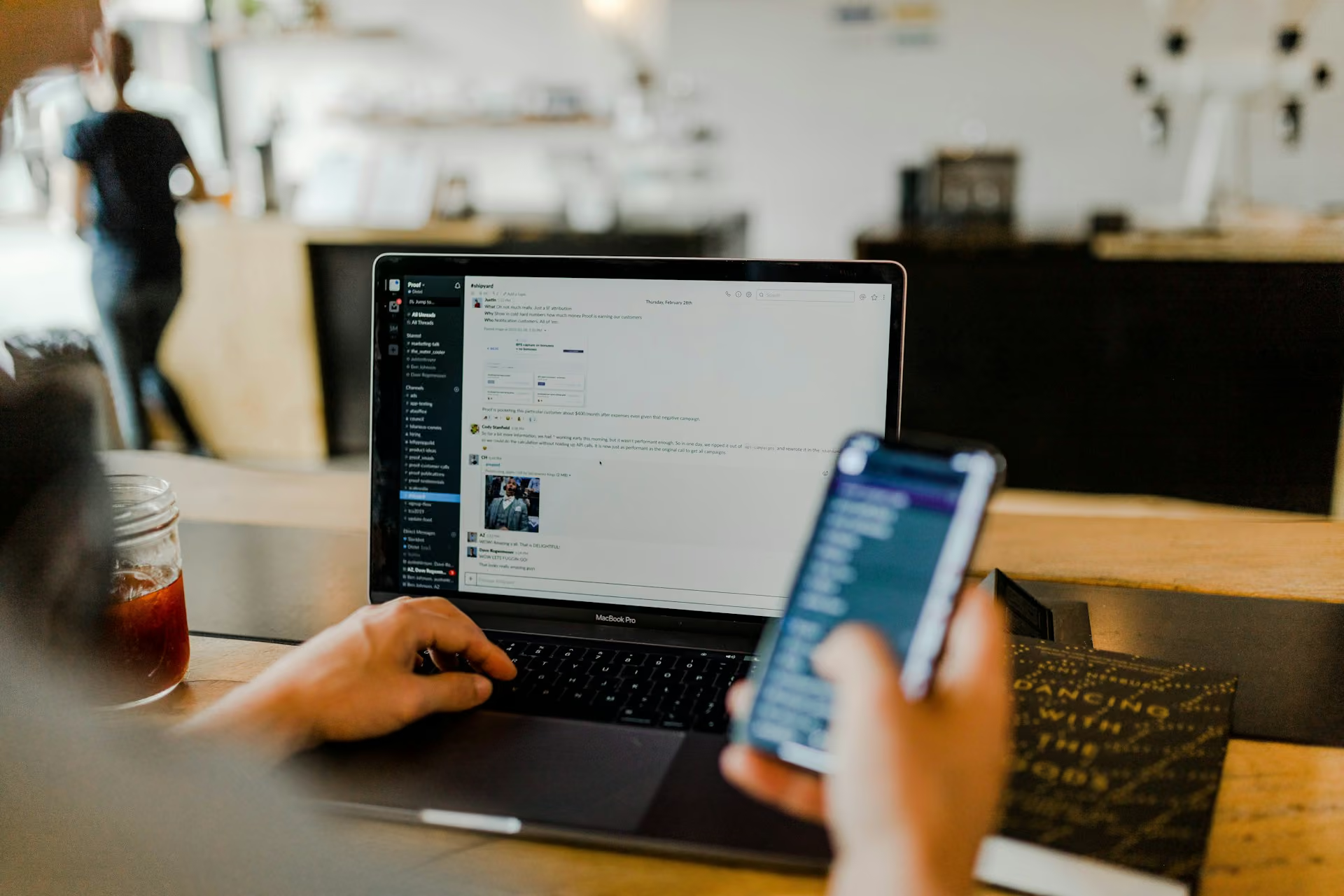
An email lands in an employee’s inbox with instructions for an account update. A few minutes later, someone claiming to be from IT calls and refers to that exact message. The caller stays on the line while the employee opens a link, signs in, and approves a prompt.
The email makes the caller seem legitimate. The caller makes the email feel safe. What looks like confirmation from two sources is one coordinated attack.
The handoff separates a hybrid phishing attack from a voice-only vishing attempt. Security teams need to understand what each channel contributes and what happens when the attacker controls the entire sequence.
What Is a Hybrid Phishing Attack?
A hybrid phishing attack is a coordinated social engineering sequence in which a voice interaction and at least one digital channel work toward the same objective. The second channel might be an email, a lookalike login page, a text message, or a collaboration platform such as Microsoft Teams.
Coordination defines the attack. Two unrelated suspicious contacts don’t automatically make a hybrid attack. The attacker designs the channels to reinforce each other, controls their timing, and uses the transition between them to move the target toward an action.
Industry terminology is inconsistent. You may see “hybrid vishing,” “multi-channel phishing,” or “multi-vector attack” used for overlapping patterns. Brightside’s guide to phishing, smishing, and vishing simulations uses the broader multi-vector framing. MITRE ATT&CK classifies spearphishing voice as T1566.004 and includes examples where a message leads to a call, then to a malicious URL or remote-management tool. Here, “hybrid phishing attack” means an intentionally coordinated voice-and-digital sequence built around one attack goal.
Voice Attack vs. Hybrid Attack: The Difference Is the Handoff
A voice attack uses a call as its main delivery and persuasion channel. The caller may ask the target to disclose information, approve an MFA prompt, reset an account, or perform another action during the conversation.
In a hybrid flow, the digital channel has a designed role in the same scenario. The email or portal provides the artifact, interface, or action path that completes the caller’s story.
| Dimension | Voice attack | Hybrid attack |
|---|---|---|
| Main channels | Phone or voice platform | Voice plus email, web, SMS, or collaboration tool |
| Typical sequence | Caller makes a request directly | One channel sets up or validates the next |
| Attacker advantage | Live persuasion and adaptation | Live persuasion plus apparent cross-channel confirmation |
| Target action | Disclose, approve, reset, transfer, or install | Click, authenticate, approve, download, or disclose while guided |
| Defensive visibility | Voice activity and related account events | Signals split across email, voice, browser, identity, and endpoint systems |
Classification depends on whether the attacker deliberately engineered the digital step as part of the operation. A caller who asks for a password is running a voice attack. A caller who sends or references a tailored login link, then coaches the target through it, is running a hybrid flow.
How Trust Transfers From the Call to the Email or Portal
The channels in a hybrid attack divide the labor. A typical sequence contains five functions:
- Setup: The first contact creates a plausible situation, such as an invoice dispute, mandatory security update, or account problem.
- Reinforcement: The second channel supplies a detail that appears to validate the first. The caller knows the email subject line, or the portal carries the organization’s logo and terminology.
- Pressure: The live caller introduces urgency, authority, or consequences. Unlike a static message, the caller can respond to hesitation.
- Action: The digital channel gives the target somewhere to click, authenticate, approve, download, or enter information.
- Confirmation: The caller keeps the target engaged while watching the attack progress and gives new instructions when a legitimate system generates an MFA prompt or warning.
The target may inspect the email less critically because a helpful person is explaining it. They may trust the caller because a professional-looking page appears to match the story. The two channels seem independent even though the same attacker controls both.
Timing strengthens the effect. Okta Threat Intelligence documented phishing kits that let callers change the pages shown in a victim’s browser during the conversation. The attacker can keep the screen, script, and legitimate authentication process synchronized. That synchronization leaves less room for the target to pause and verify through an independent route.
Three Common Hybrid Attack Sequences
The phone call doesn’t always come first. The direction of the handoff separates several common patterns.
1. Email to phone: callback phishing
An email claims that the recipient bought a subscription, owes an invoice, or must resolve suspicious account activity. Instead of including a conventional malicious link or attachment, it provides a phone number. When the target calls, an operator guides them to a site, requests sensitive information, or persuades them to install software.
This pattern is commonly called callback phishing or a telephone-oriented attack delivery (TOAD) attack. Microsoft documented it in an analysis of BazaCall, where emails pushed recipients toward fraudulent call centers and human operators guided later stages.
2. Phone to email or portal
The attacker calls first, often posing as IT, a bank, a vendor, or an executive. During the conversation, they direct the target to an email or website prepared for that victim. The digital artifact makes the caller’s story concrete, while the caller explains each step and handles objections.
In identity attacks, the caller can respond to genuine login prompts in real time, which makes this sequence especially dangerous.
3. Digital disruption to fake support call
The attacker first creates a visible problem, then calls to offer the solution. Microsoft has reported cases where threat actors flooded an inbox with subscription emails before impersonating IT support and offering to fix the spam. The disruption supplies evidence for the caller’s pretext. The target can see the problem the caller claims to understand.
All three patterns qualify as hybrid attacks. Callback phishing is the email-to-phone subtype; treating it as the whole category can hide caller-initiated and disruption-led flows.
BlackFile: A Live Caller and a Lookalike SSO Portal in Sync
Google Threat Intelligence Group’s May 2026 BlackFile investigation shows how a phone call and digital interface can function as one identity-compromise system.
GTIG tracked UNC6671, an extortion-focused group operating under the BlackFile name, as it targeted dozens of organizations across North America, Australia, and the UK. Callers contacted employees on personal mobile phones, impersonated internal IT or help-desk staff, and used pretexts such as a required passkey migration or MFA update.
The caller directed the employee to a victim-branded lookalike SSO portal. When the employee entered a username and password, the attacker relayed the credentials to the legitimate identity provider. The real service then produced an MFA challenge. The caller framed the challenge as part of the update and coached the employee through the approval or code. Once inside, the attacker registered another MFA device to preserve access.
BlackFile’s documented initial-access flow was call-plus-portal, not email-led. The flow still demonstrates the hybrid mechanism: the portal captured and relayed the technical inputs while the caller maintained the pretext and synchronized the human steps.
The downstream impact could be extensive. GTIG observed the attackers moving through Microsoft 365 and Okta-connected SaaS applications and using scripts for high-volume exfiltration. In one case, an attacker script accessed and downloaded more than one million files from SharePoint and OneDrive. The figure comes from one observed incident rather than an average, but it shows how a short cross-channel interaction can open a much larger cloud-data compromise.
Why Email and Voice Defenses Miss the Sequence
Hybrid attacks create a visibility problem because each control sees only part of the story.
An email with no link or attachment may give a gateway little conventional payload to inspect. A call to a personal phone can sit outside corporate monitoring. A victim entering credentials and approving MFA may initially resemble a legitimate login. The suspicious meaning appears in the sequence rather than any one event.
Awareness programs face the same fragmentation. Email training teaches people to inspect sender domains, links, and attachments. Vishing training teaches them to question callers. But an employee may treat the call as proof that the email is real, or the email as proof that the caller is legitimate. Testing the channels separately doesn’t measure that handoff, one reason simplistic phishing simulations fail to reflect real behavior.
Ownership may be fragmented too. The email team investigates the message, the identity team reviews the login, the service desk hears about the caller, and the awareness team receives the employee report. If those records aren’t connected by user and time, each event can look routine or inconclusive. Those organizational seams become part of the attacker’s operating space.
Correlated detection can reconstruct the chain. MITRE’s guidance for spearphishing voice recommends linking unusual call activity with later browser navigation, remote-tool execution, or MFA events instead of judging each signal in isolation.
How to Break a Hybrid Attack Chain
The most reliable intervention is to break continuity. The attacker wants the target to move from message to call to action without leaving the attacker-controlled path.
Give employees an independent verification procedure
“Be careful” isn’t a procedure. Employees need a short, repeatable response:
- Stop the live interaction.
- Don’t use the link, phone number, or contact details supplied in the message or call.
- Verify the request through a known internal directory, ticketing system, or official public channel.
- Report the message and call as one incident, including their timing and relationship.
Requests to enter credentials, approve an unexpected MFA prompt, enroll a new device, install remote-access software, disclose a code, or move money should be explicit stop conditions. A caller’s willingness to remain on the line doesn’t make the process safer.
Use authentication that resists real-time relay
Push notifications, SMS codes, and time-based one-time passwords can be captured or approved during a live adversary-in-the-middle flow. MFA still reduces risk, but the authentication method determines whether an attacker can relay the proof.
FIDO2 security keys and properly implemented passkeys bind authentication to the legitimate service’s domain, making the lookalike-site relay used in these attacks much harder. Identity teams should also alert on new MFA-device enrollment, especially when it follows failed or abandoned challenges or comes from unusual infrastructure. A deeper look at how vishing attacks bypass Okta MFA shows why authentication method and enrollment telemetry both matter.
Correlate signals across systems
Security teams should connect employee reports and available call telemetry with browser, identity, endpoint, and SaaS activity. Useful sequences include:
- a reported IT impersonation call followed by navigation to a newly registered domain;
- failed or abandoned MFA challenges followed by successful authentication and new-factor enrollment;
- a new session followed by abnormal SharePoint, OneDrive, CRM, or support-platform access;
- high-volume
FileAccessedorFileDownloadedevents associated with scripting user agents such as Python or PowerShell.
GTIG specifically warned that direct file fetching may appear as FileAccessed rather than FileDownloaded. Severity should reflect the event label alongside the user agent, volume, device, and sequence.
Rehearse the Cross-Channel Handoff
A cross-channel exercise should test whether employees recognize that the call and email belong to one scenario, stop the interaction, verify through a trusted route, and report both parts together. Measure whether employees interrupt the chain; click rate alone misses the verification behavior. The same process should fit into a broader employee vishing training program, so the exercise reinforces an established routine.
The simulation also needs a clear safety boundary. Use authorized scenarios, defined goals, appropriate data handling, and an escalation path for anyone who believes the exercise is real. The aim is a verification routine employees can use under pressure.
Train the Handoff With Brightside AI Voice + BEC
Brightside AI separates Voice and Voice + BEC in its vishing simulation workflow. Voice tests a voice-only social engineering scenario. Voice + BEC pairs a live AI-driven vishing call with a phishing email containing a trackable link.
Security teams can use the distinction to test the behavior this attack pattern exploits. Does the employee treat the call as proof that the email is safe? Do they follow the supplied link while the caller is present? Or do they stop, verify through a separate route, and report the coordinated attempt?
Teams can define the attack goal, caller and target context, social engineering tactics, tone, and voice. They can also take the call themselves in a test launch before launching a simulation. The scenario controls help teams test a real verification process instead of running a generic suspicious-call exercise.
Brightside is a simulation and training capability. It doesn’t monitor employee communications or detect live hybrid attacks. The controlled exercise exposes the cross-channel behavioral gap and gives teams evidence about how employees respond.
Key Takeaways
- A voice attack relies primarily on the call; a hybrid phishing attack coordinates voice with a digital action path.
- Each channel performs a different job, transferring trust and making attacker-controlled contact look like independent confirmation.
- Callback phishing is one hybrid subtype. The caller can also initiate the sequence or exploit a digitally created disruption.
- Defenses should break and observe the handoff through independent verification, phishing-resistant authentication, correlated telemetry, and cross-channel simulation.
Frequently Asked Questions About Hybrid Phishing Attacks
What is a hybrid phishing attack?
The term describes a coordinated social engineering sequence that uses voice plus a digital channel, such as email, a lookalike website, SMS, or Teams, to achieve one objective. The channels reinforce each other and guide the target through connected steps.
How is a hybrid attack different from a vishing attack?
Vishing uses a phone or voice platform to deceive the target. In a voice-only attack, the call carries most of the interaction. A hybrid attack intentionally connects the call to a digital artifact or action path, such as a phishing email or fake login portal.
Is callback phishing the same as hybrid vishing?
Callback phishing is one form of hybrid vishing. It starts with an email or message that persuades the target to call an attacker-controlled number. The broader hybrid category also includes phone-first attacks and scenarios where a digital disruption creates the pretext for a fake support call.
Can MFA stop a phone-and-email phishing attack?
It depends on the authentication method. Push approvals, SMS codes, and one-time passwords can be relayed or socially engineered during a live attack. Phishing-resistant FIDO2 security keys and passkeys are designed to bind authentication to the legitimate domain, which materially reduces this risk. Monitoring new-factor enrollment and suspicious login sequences remains important.
How should companies train employees for coordinated phone and email attacks?
Train and test the complete sequence. Employees should practice ending the interaction, ignoring contact details supplied by the potential attacker, verifying through a trusted internal or official channel, and reporting the call and digital message together. Simulations should measure whether employees follow that process under realistic time pressure.
Get a complete live walkthrough
Book a call with our team for a full overview of the platform, and bring any questions you want answered. No obligation exploration call.
Try our vishing simulator
Experience the most advanced voice phishing simulator built for security teams. Create scenarios, test voice cloning, and explore automation features.
Latest articles
How to Prevent Account Takeover: A Control-by-Control Guide for Security Teams

How to Run Phishing Awareness Training When Your Team Is Fully Remote
Inside the Revolut Breach: The Fake Request That Passed Every Email Check.